HomeLight · 2020–2023
Process, Data & Documentation
Building the design culture, knowledge infrastructure, and systems for a proptech company merging three products into one real estate operating system.
Introduction
HomeLight started in 2012 by matching home buyers with the right real estate agents, then set out to cover the whole purchase: finding an agent, engaging with the market, and closing the financial transaction. To get there it acquired Disclosures.io in San Francisco, where I was Lead Designer, and Eave, a mortgage startup in New York.
The challenge was unifying three products into one end-to-end real estate operating system, while growing a design-led culture inside a company with business development roots. We started in three places: a product knowledge repository full of research and design artifacts, HomeLight's first proper design system, and standards for how design files were built and documented.
01 · Research & Systems Mapping
Understanding the challenges
Historically, the core of HomeLight's UX happened on the phone. Digital interfaces covered onboarding, tracking, and internal ops, but the money was made in real-time calls between agents and clients, so that's where attention went.
Parts of the site had been built in a fast “design-as-a-service” model, answering business needs as they arose. Siloed teams had built similar components several times in slightly different ways, with little documentation and limited visibility into how data moved through the system.
01 · Research & Systems Mapping
Mapping the terrain
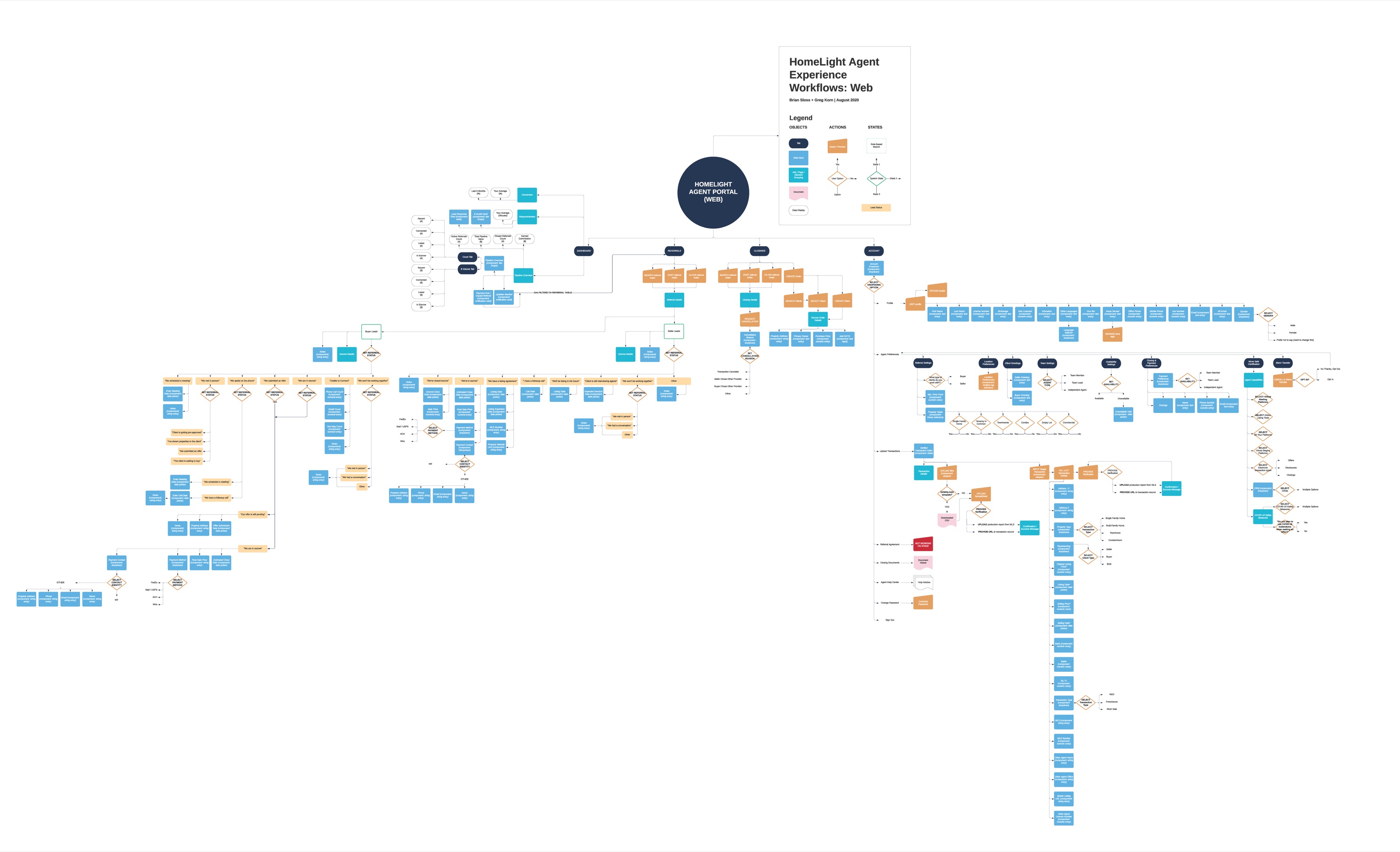
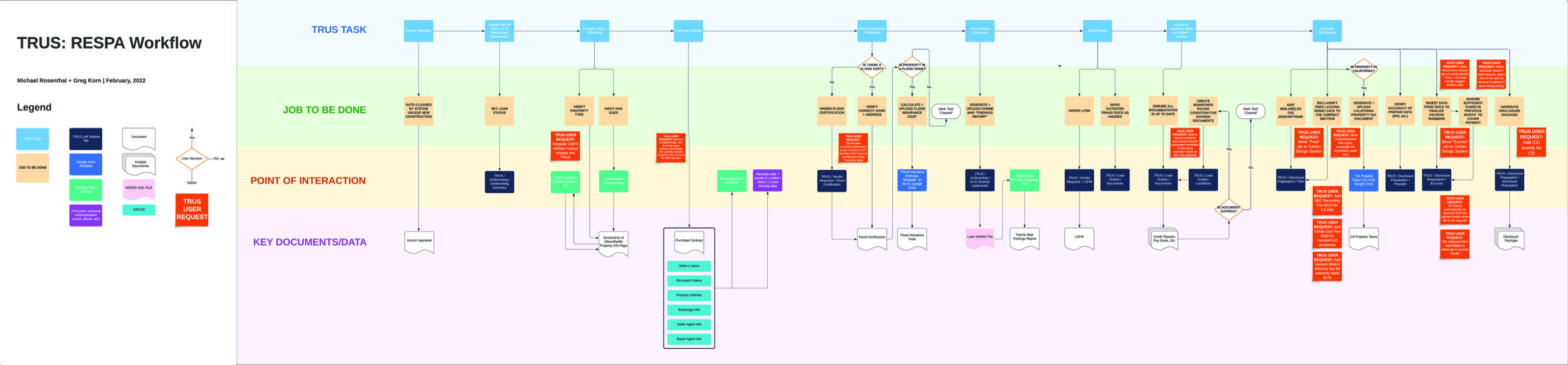
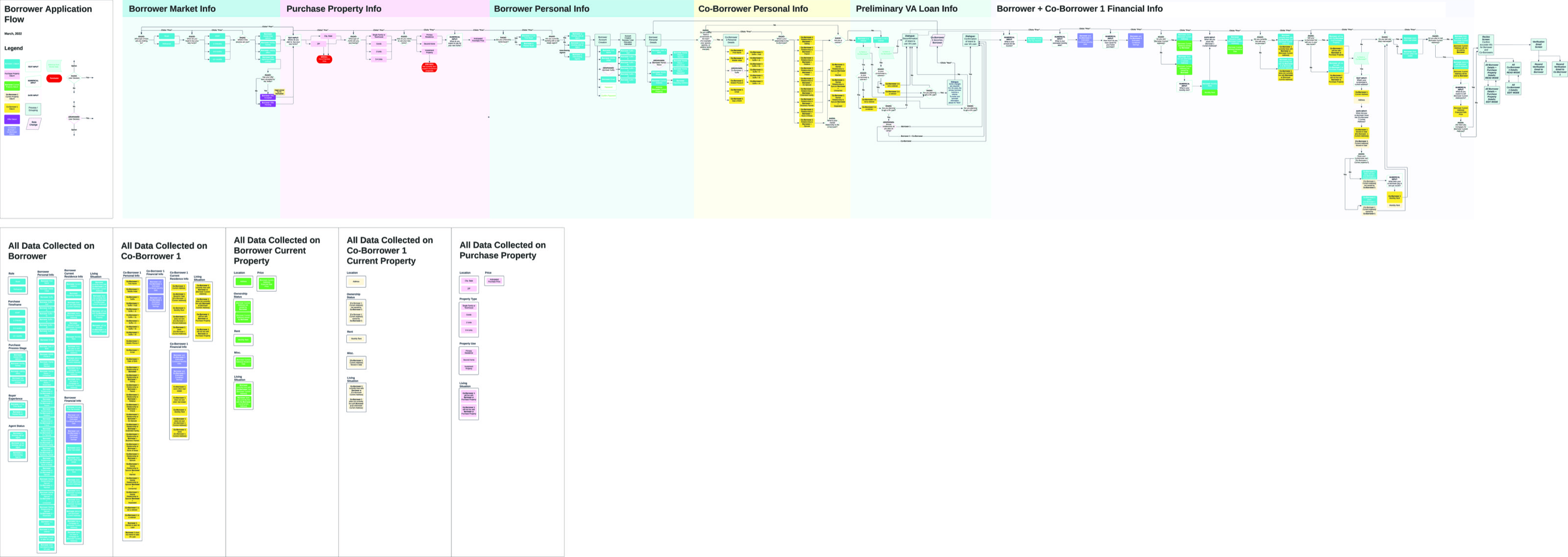
Through data diagrams, user flows, information architecture maps, and service blueprints for existing products, we built a knowledge base for each piece of the site: what it was, how it worked, and how it connected to everything else.
02 · Design System
HomeLight's first design system
With the design team growing and new projects coming out of the HomeLight, Disclosures.io, and Eave integration, we needed to implement a proper design system immediately. We scoped it with the developers and chose the tools, ultimately going with Storybook's Figma plugin to connect our master component library to the live code.
The first version stayed deliberately simple: the basic foundations like type, color, buttons, inputs, and toasts, plus a handful of frequently used interaction patterns. We needed baseline visual and behavioral consistency and a shared design language to bring together three different products (and designers from different companies). The more complex, job-specific components could come later.
03 · Documentation & Delivery
Files anyone could pick up
As remote work stretched on through COVID and the engineering team grew through hires in Brazil, Argentina, and Mexico, consistently formatted, clearly documented design files became essential.
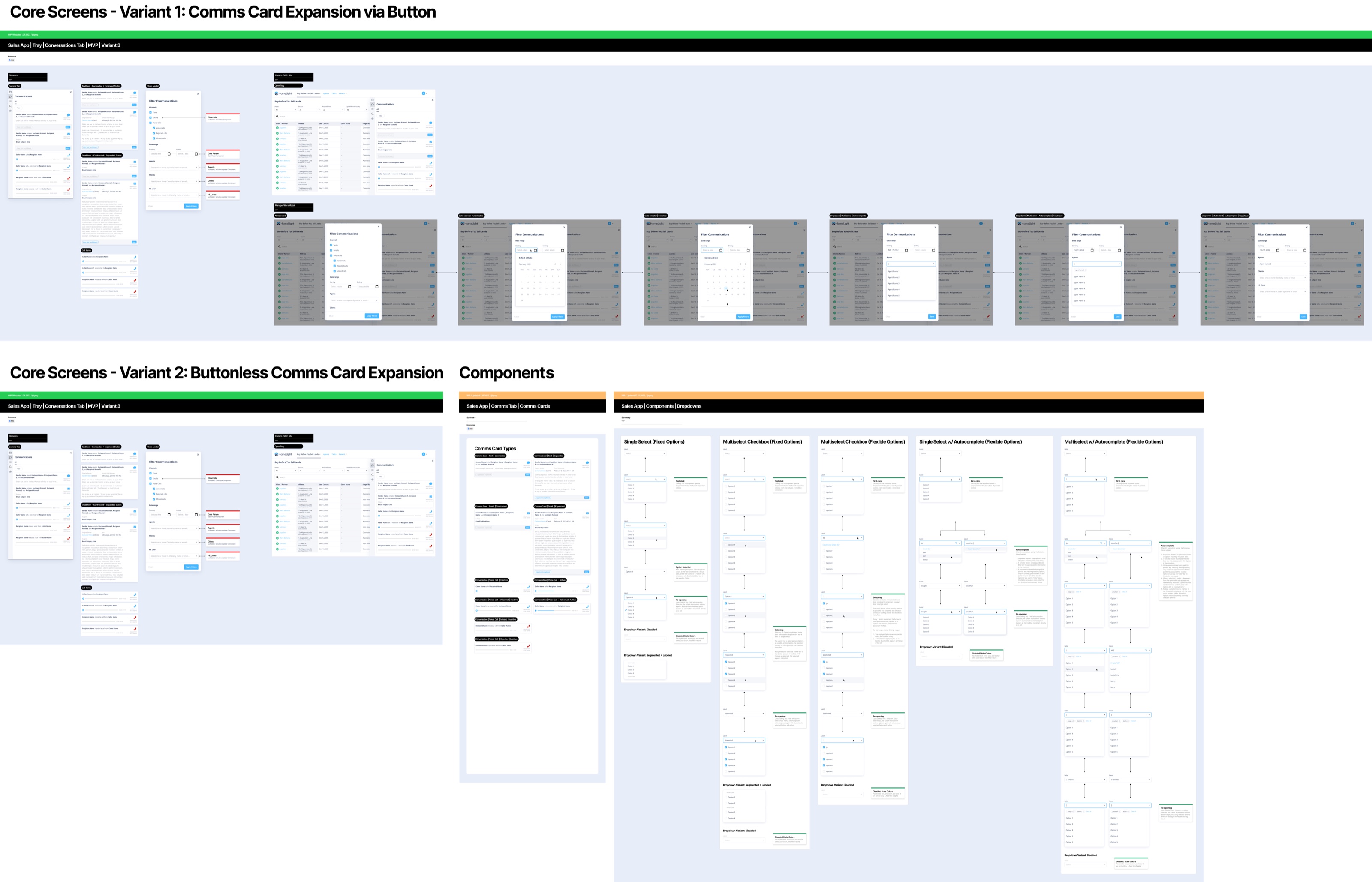
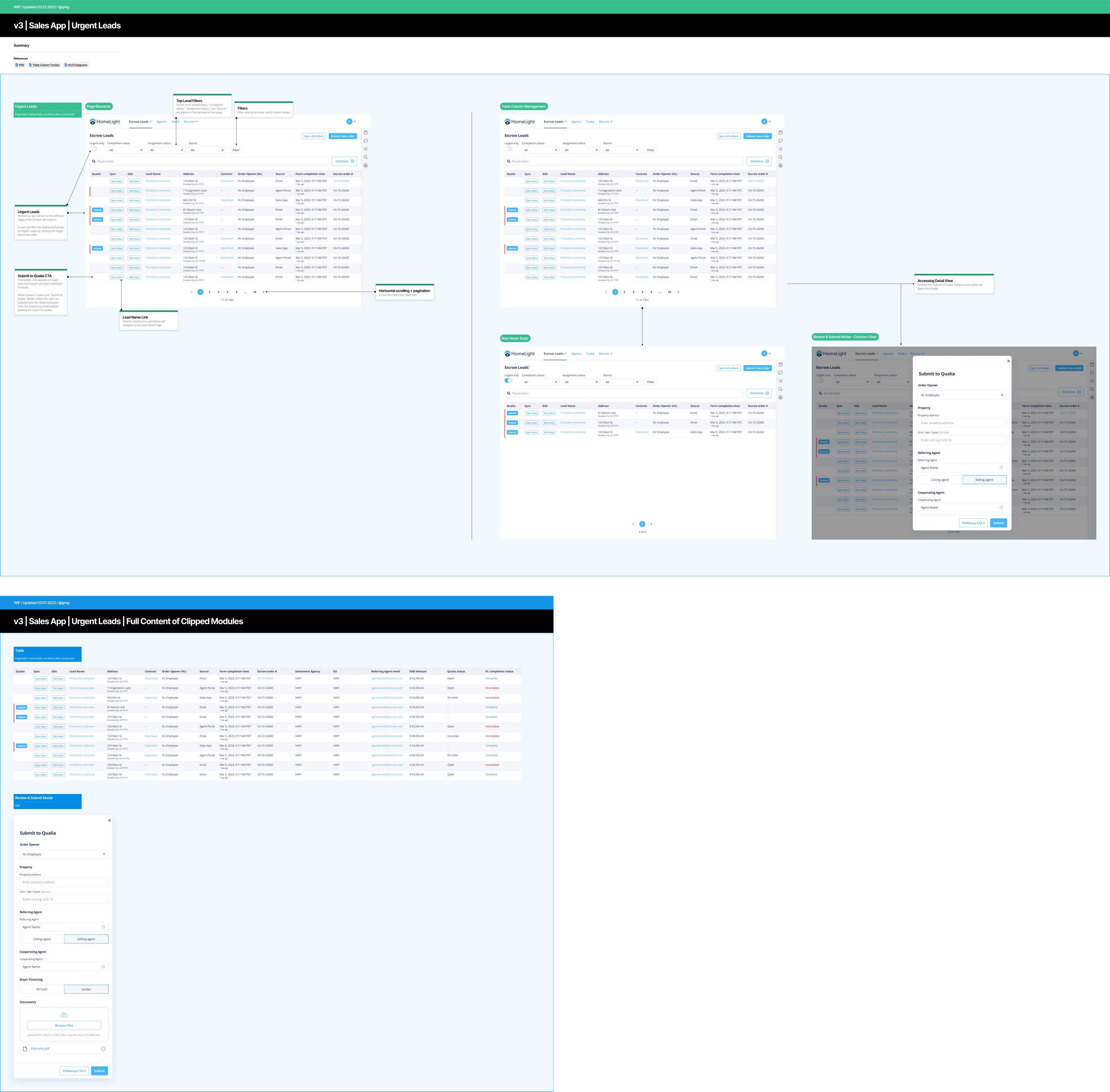
We built a part of the design system dedicated to laying out and marking up Figma files, then set standards for using it. A finished delivery file included visual design, UX flows, documented components, and a working prototype, used both for developer handoff and for usability tests through Grain or UserTesting.
04 · In Practice
What the foundations made possible
With the terrain mapped, one component library, and delivery files anyone could pick up, the team could ship features that reached across all three products at once. Three of them:
Urgent Escrow Leads surfaces transactions approaching critical deadlines, so sales operators can act before anything slips. The Universal Comms Panel brings every client and agent conversation into one place; its tray has no buttons of its own, and contextual actions appear when they're needed. Task Automation is a DIY rule builder: conditions in a transaction create and assign action items on their own, like a request for property photos that resolves itself on upload, adapting to procedures that vary from state to state.
None of them would have worked without knowing exactly how data moved through the whole system. That was the point of all the mapping.